
-
Login to the Lens Portal
-
In the left sidebar expand the
Infrastructuremenu and select theSchedulingoption -
Under the
Schedulingsection, select theCalendaroption -
Select the tab that corresponds with the day you would like to remove an event from
-
Find the event to remove and either:
-
Double-click it to open the
Edit eventdialog -
Click the event, and then select the
Editbutton from the toolbar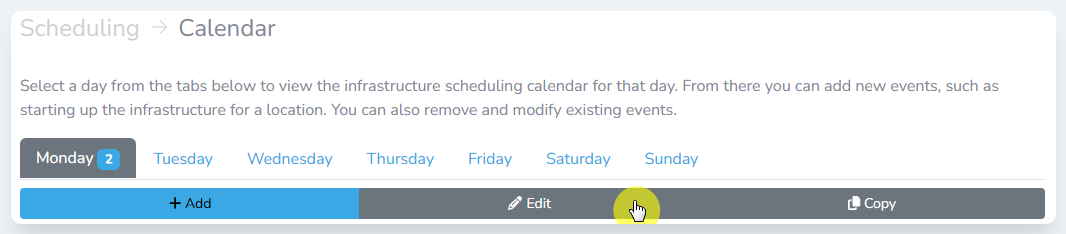
The toolbar
-
-
In the
Edit eventdialog window, selectRemovebutton -
In the confirmation dialog, click
Remove