

-
Login to the 7fivefive Lens application with a user that has the
Administratorrole or has theAccess to Settingsoption enabled on their role. -
In the sidebar or navigation bar go to the
Configurationoption, then select thePortalitem from the menu -
Under the
Portalsection, select theAnnouncementsoption -
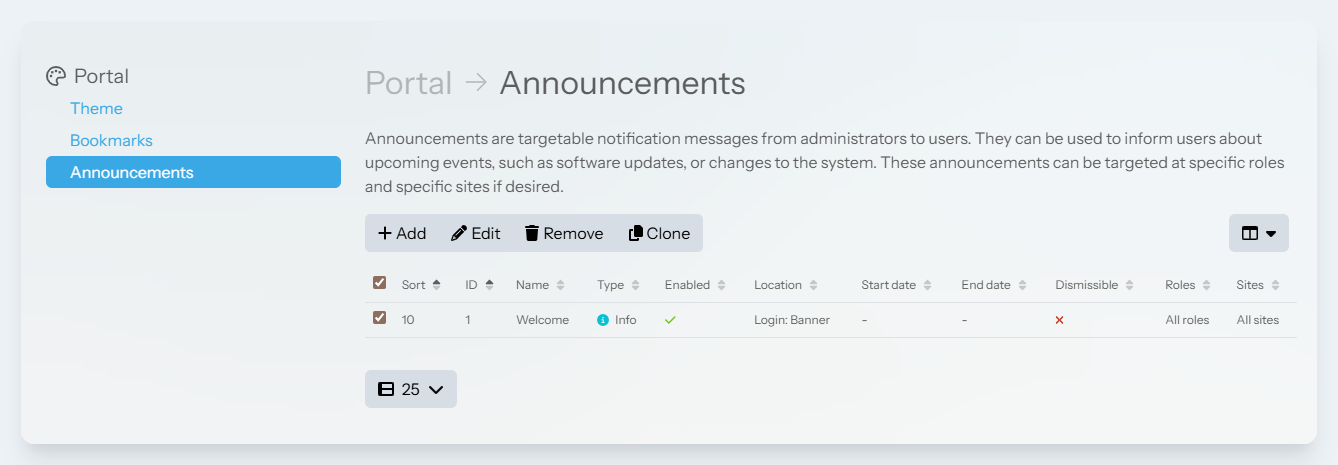
Select checkbox next to the announcement you would like to remove from the table
-
Click the
Removebutton -
In the confirmation window, click
Remove