

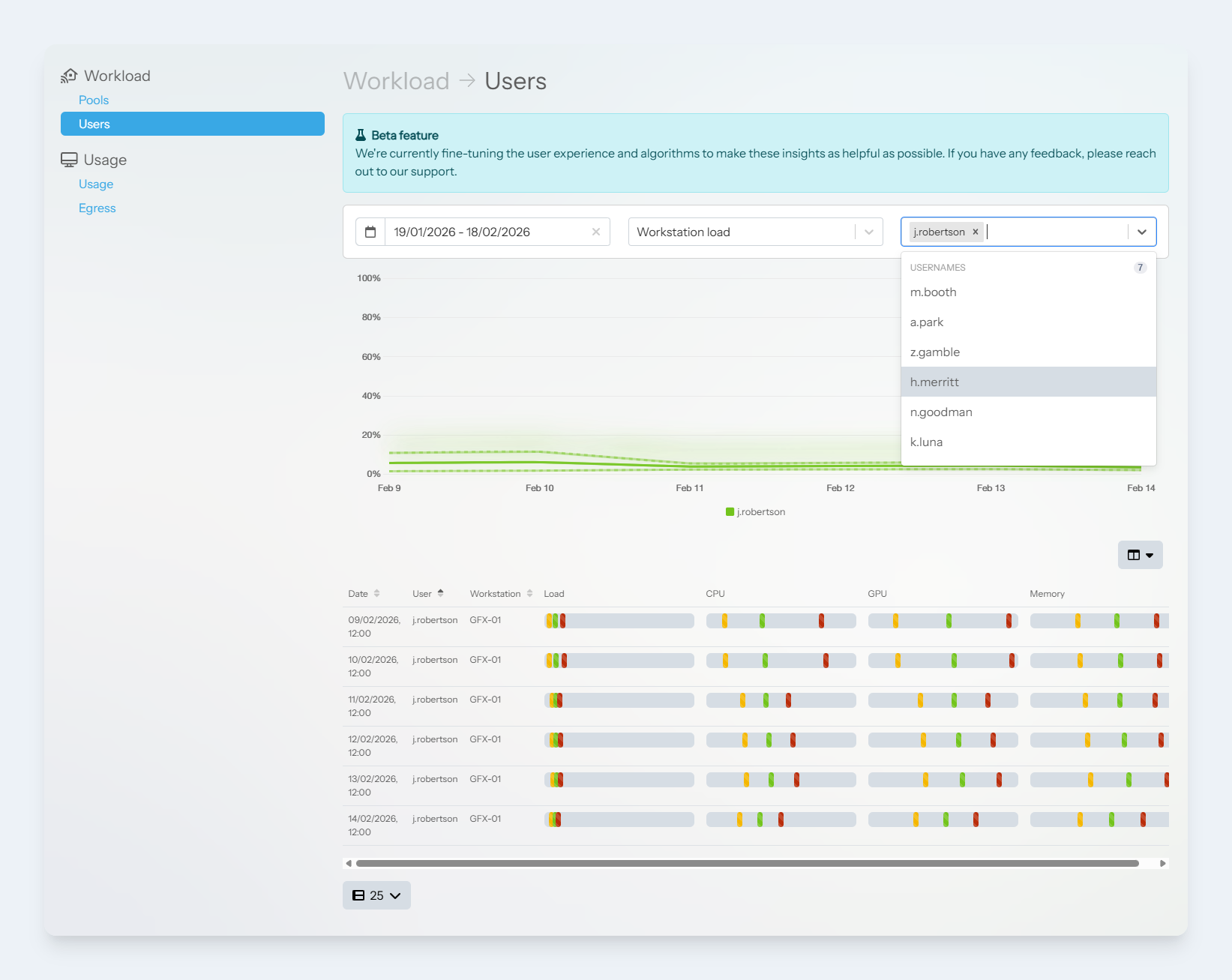
Workload -> Users page
The users view is designed to help administrators diagnose operational issues with particular users on particular machines. For example, User A experiences performance issues on Workstation A, but on Workstation B the user does not experience any issues.
From the Users dropdown menu, select one or more users to show data for. A list of all the selected users sessions and resource utilisations will be displayed in the table for comparison.
To access the page:
-
Login to the Lens Portal
-
In the left sidebar, expand the
Insightsmenu and then select theWorkstationoption -
In the left panel under the
Workloadsection, select theUsersoption