
-
Login to the Lens Portal as an administrator
-
In the left sidebar, go to the
Configurationand select theSettingsitem -
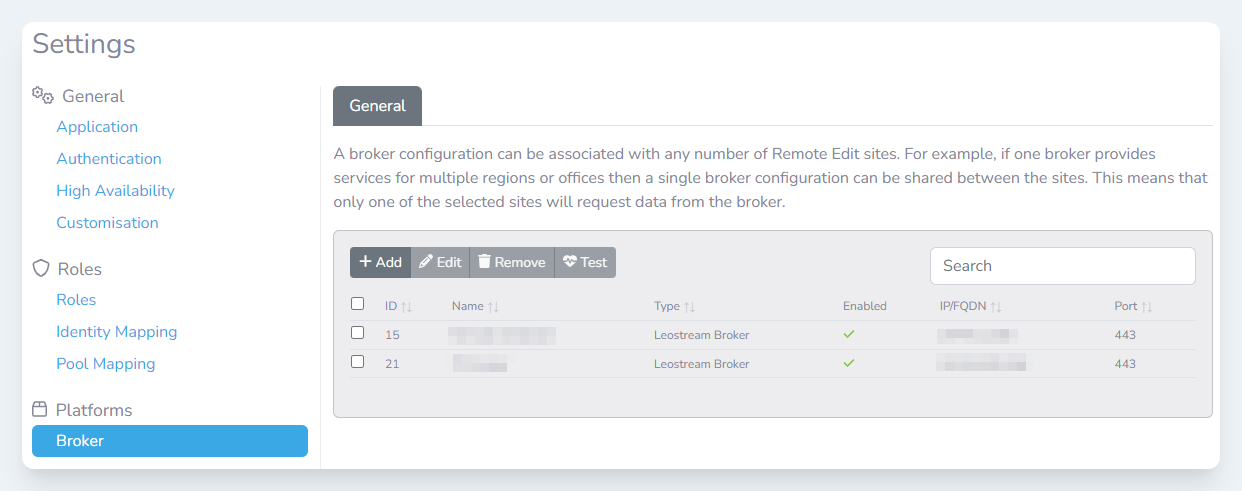
On the settings page, go to the
Platformssection and then select theBrokeroption -
Check the checkbox next to the broker you would like to modify
-
Click the
Editbutton -
Make the changes you need in the
Edit broker configurationmodal -
Click the
Editbutton to save the changes