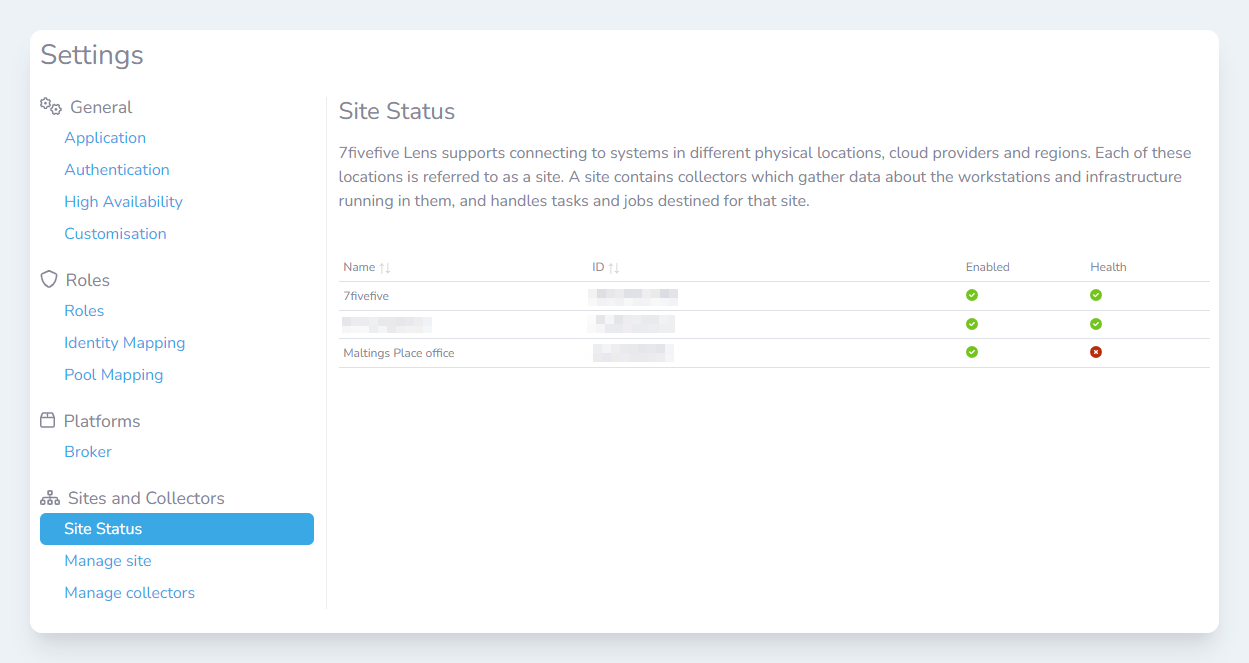

It is possible to check the status of a Lens site in the Lens Portal. A site will show as healthy if it has one or more Lens Collectors active and working. When a site has no working collectors, it will be marked as unhealthy. To see the status of a site:
-
Login to the Lens Portal
-
In the left sidebar, open the
Configurationmenu, then select theSettingsoption -
Under the
Sites and Collectorsgroup, select theSite Statusoption