
-
Login to the Lens Portal
-
In the left sidebar, expand the
Workstationsmenu and then select theOverviewoption -
In the menu, under the
Overviewsection, select theWorkstationsoption -
Select one workstation that you would like to see the status for
-
Click the
Detailsbutton -
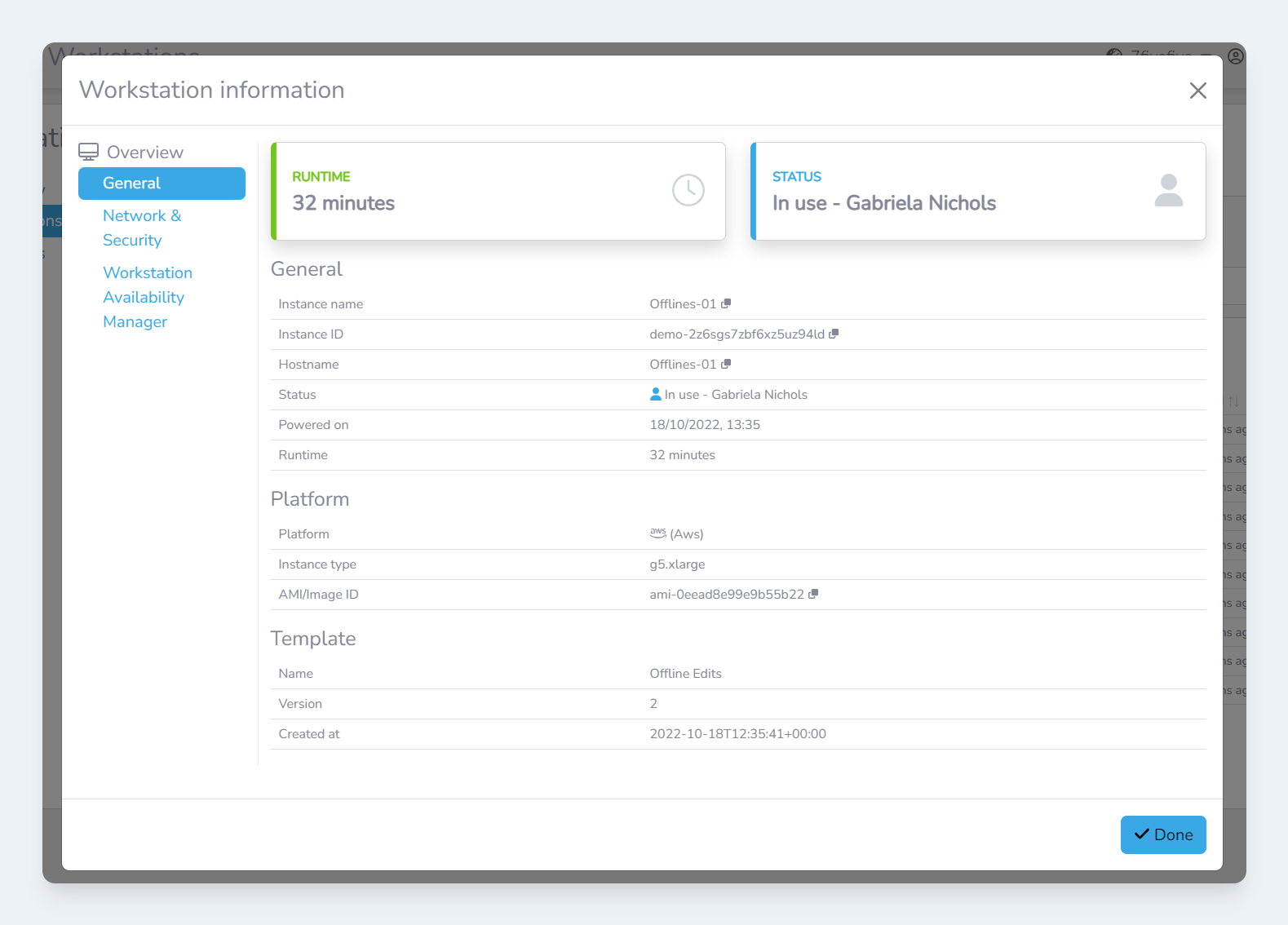
In the
Workstation informationmodal, you will be presented with more advanced and in-depth information about the workstation