
It is possible to send other users a URL that will provide them with access to your workstation session. This allows you to easily collaborate with other users, even if they do not have access to the Lens Platform.
Prerequisites
-
You are connected to a workstation via Amazon DCV (Formally Nice DCV)
-
Your administrator has enabled session sharing for your site
Sharing your session
Sharing your session allows others to see and interact with your workstation, which may include sensitive information or allow them to perform actions on your behalf. This includes disconnecting you from the workstation or making changes to it.
Only share your session with trusted individuals.
-
Navigate to the Editor Centre
-
In the
Allocationssection, find the workstation you would like to share a session for -
Click the

-
Select the
Share sessionmenu item
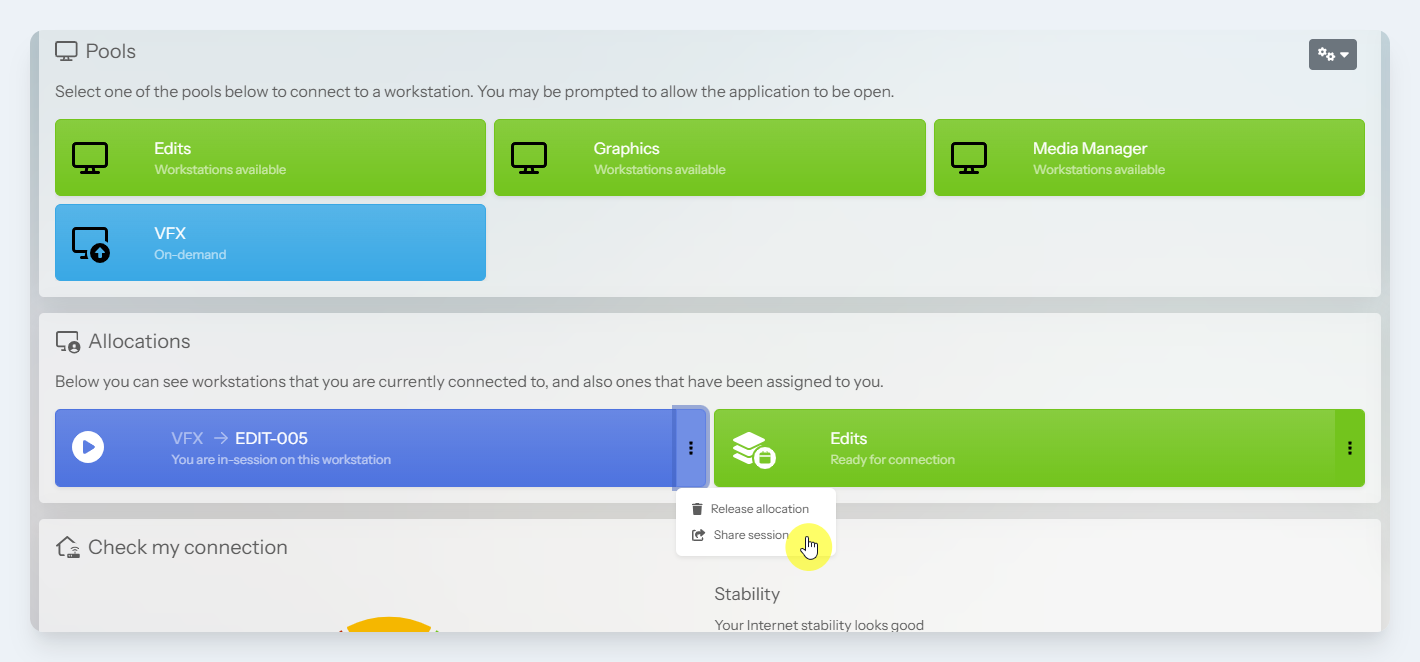
Share session option
-
A warning message will appear. If you are happy to proceed, click the
Share anywaybutton -
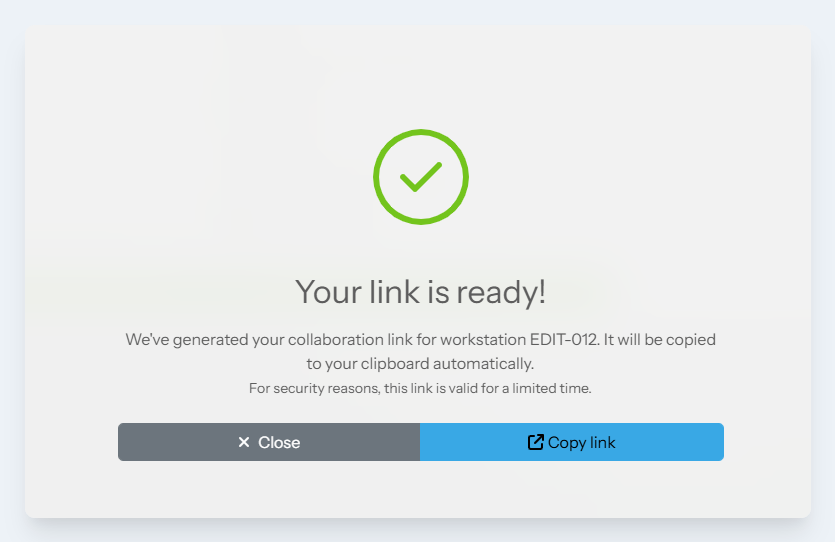
A link will be copied to your clipboard. You can share this with others to allow them to connect to your workstation.